 01
Keep the first good batch
Write the Checked Brief’s three lines you can check by eye, so you know the winner the moment the grid lands. Finished rerolling by the second batch.
 OsumLearn. Try. Check.
Midjourney course · Included in Osum membership
You described the scene precisely. Twenty rerolls later the image is still gorgeous, and wrong, and the client is still waiting. Learn the Checked Brief: the brief, the settings and the fixes that turn a gorgeous miss into an image you can send.
Sound familiar?
“You can describe a scene precisely, exactly the characters, where they should be, what they should be doing, and then it produces an incredibly beautiful picture in exactly the style you would like but with not a single thing you described actually happening in the picture!”
“With 8.1, I also feel like some old problems are back again: extra arms, weird hands, too many fingers, ignored details, and images that look great at first glance but fail when you check the prompt accuracy.”
“It's frustrating and I feel like I shouldn't have to pay when they get it wrong. I have to keep asking it to regenerate over and over, using up my credits.”
Another reroll rarely fixes it. A brief you can check usually does. That’s the Checked Brief, and this course teaches it.
What you’ll be able to do
01Write the Checked Brief’s three lines you can check by eye, so you know the winner the moment the grid lands. Finished rerolling by the second batch.
 02
Describe what the camera sees in the order Midjourney reads it, and the filler words stop crowding out your details.
 03
One dial per test on stylize, raw and version, so Midjourney stops adding moss, patterns and props nobody asked for.
 04
One reference per job, so your mascot, product and look hold across the whole set. Odd one out shows at a glance.
 05
Repair a hand, a logo or an edge in the Editor, or extend the canvas, and everything that already worked stays.
 06
Must-haves at full size, then the real layout: you send with a one-line reason, and the client never finds the flaw first.
Try it before you sign in
A small garden shop asked for a launch post for its new seed range. Here is the brief and the image that came back, described in words. Take a minute and decide.
| Requirement | What the brief says |
|---|---|
| Format | Instagram feed post, 4:5 |
| Subject | Three kraft-paper seed envelopes on a potting bench |
| Logo | The shop’s leaf logo on the front envelope |
| Space | Top third clear for the headline |
| Mood | Morning light, no people |
Three kraft-paper seed envelopes fanned on a weathered potting bench, soft morning light, a clear sage wall across the top third, no people, 4:5. The front envelope is printed with a neat five-petal flower.
Send it, send it back, or fix it first?
That is the check the course has you practice: must-haves first, details at full size, and a targeted fix instead of a reroll. You run it on your own feed post, product shot and mascot set, then hand the finished set over with every setting noted.
Look inside
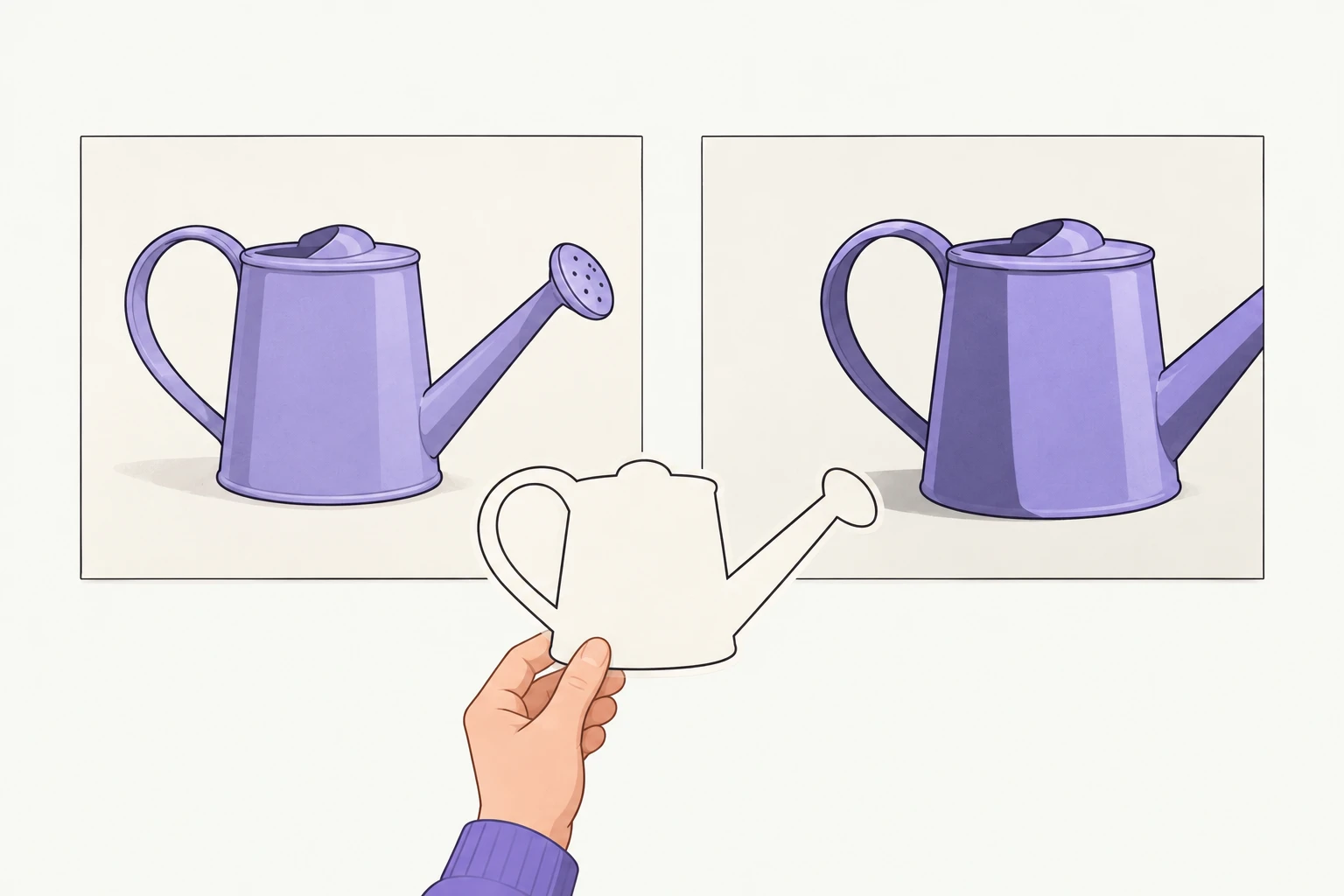
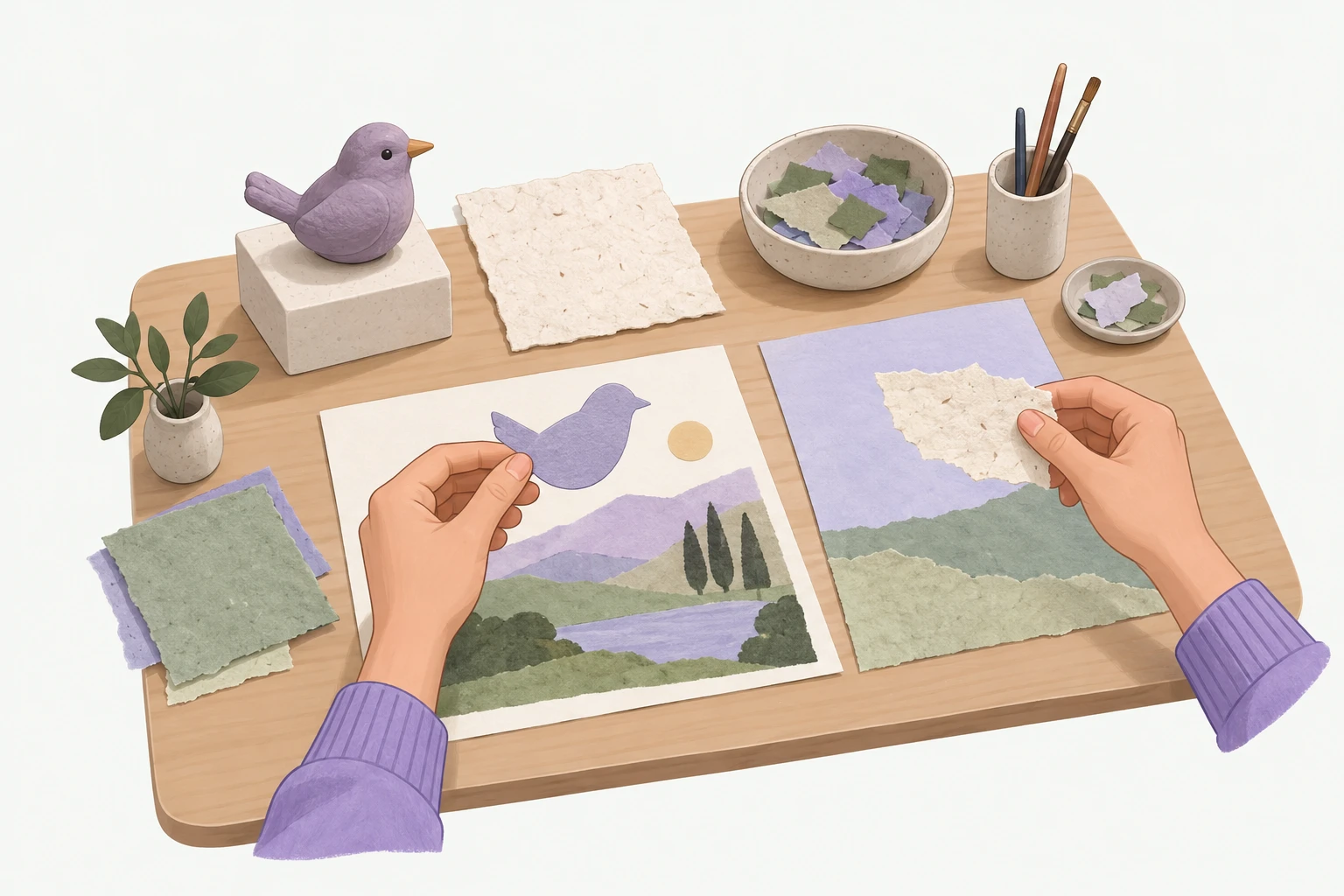
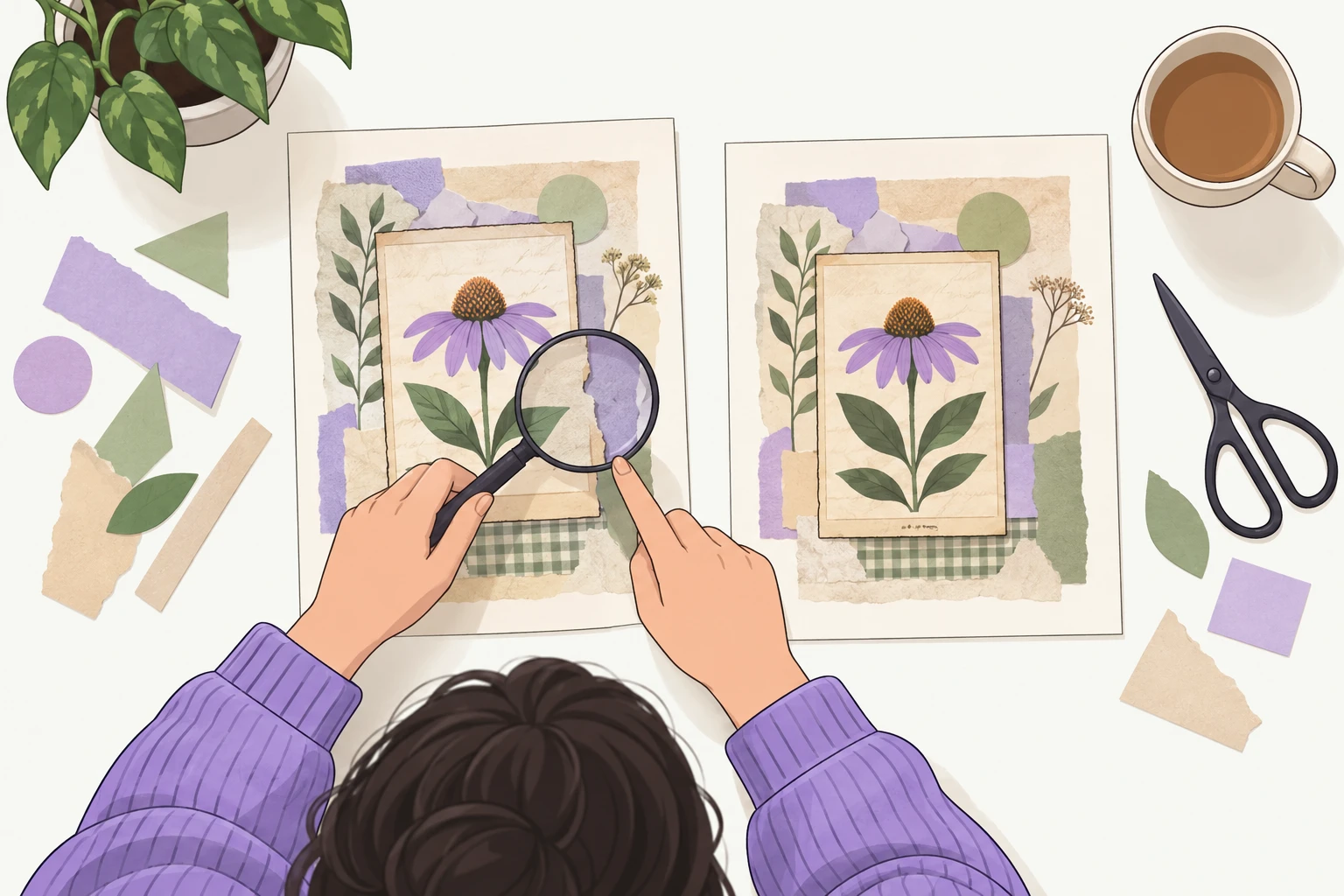
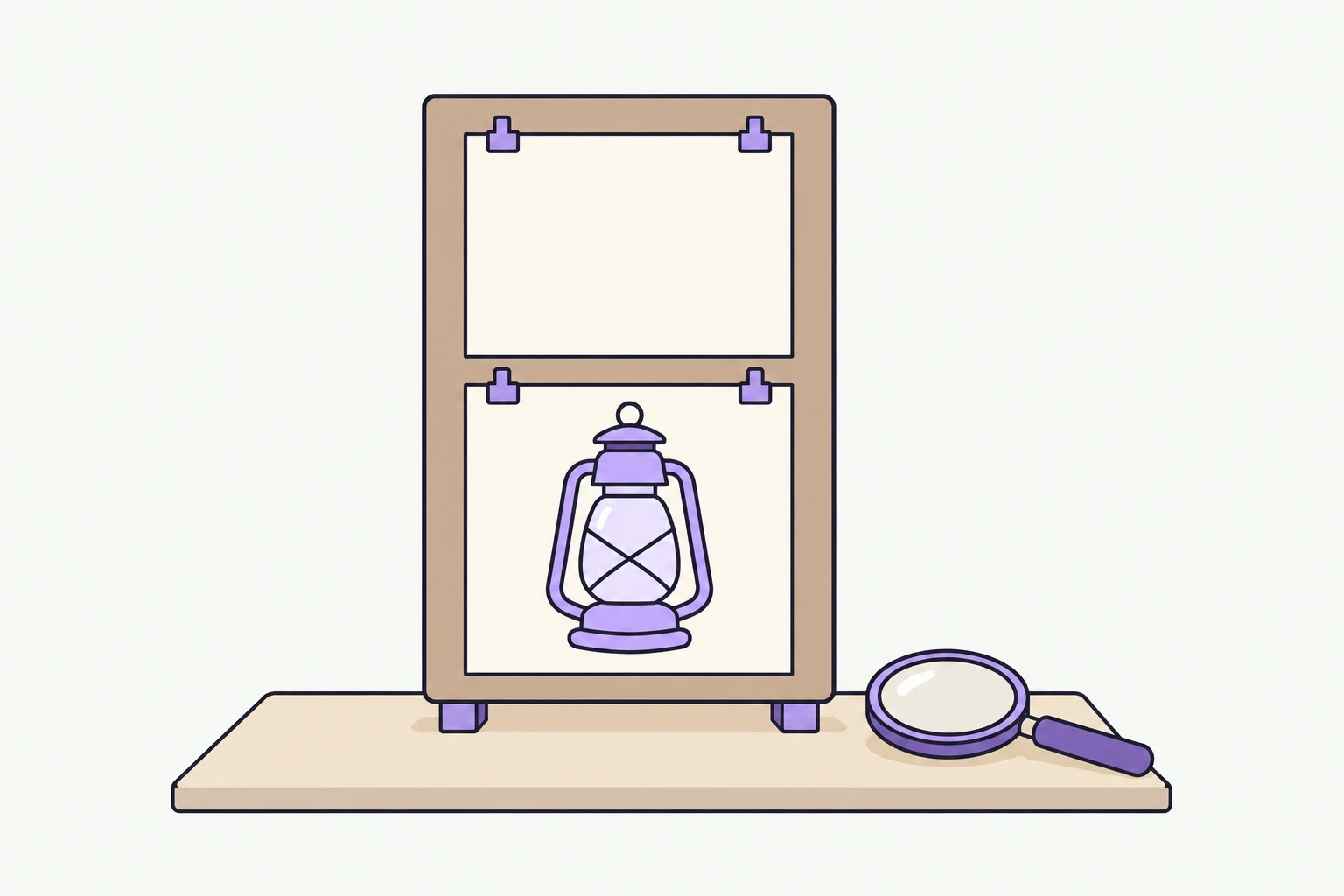
The curriculum
Osum’s Midjourney course is 12 hands-on lessons, about 4 hours in all. Lesson 1 is a 14-minute brief that tells you which image to keep before you generate. By lesson 12 you deliver a three-image launch set that shares one look. You need your own Midjourney plan. You finish with a certificate you can add to LinkedIn.
Module 01
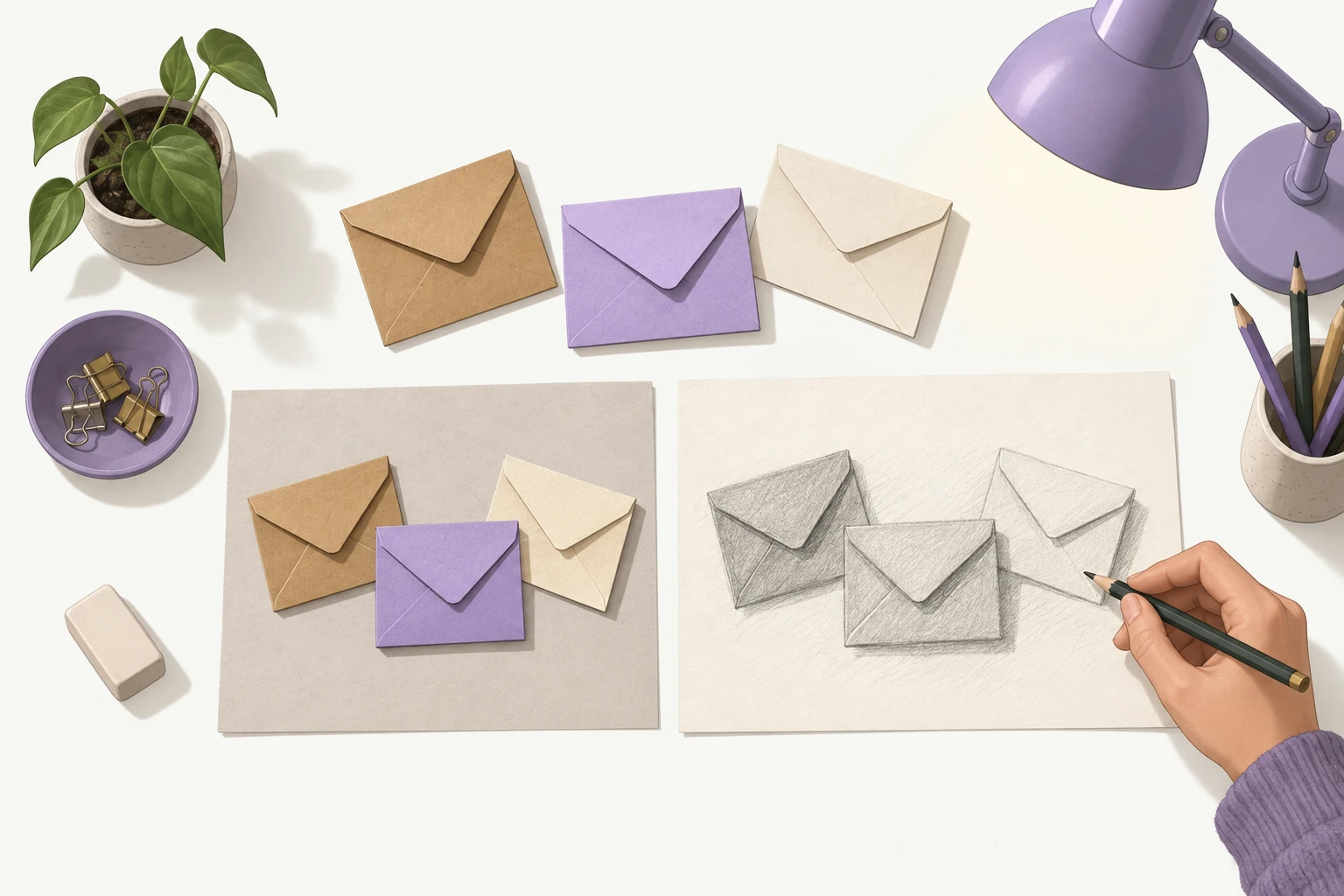
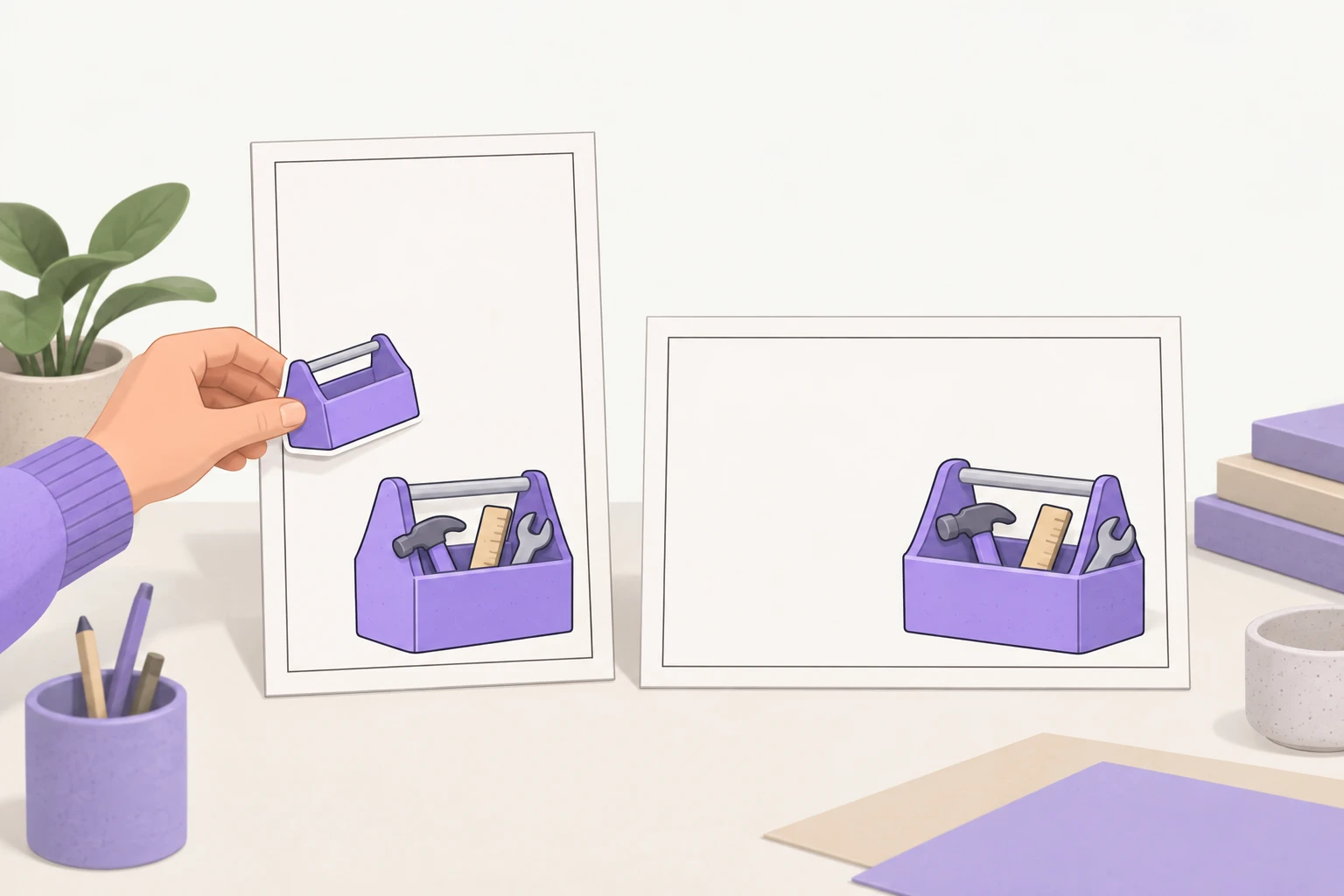
You hold one posted-ready image, a product-shot prompt template and two framed slots: the first pieces of the launch set you deliver in lesson 12.
Module 02
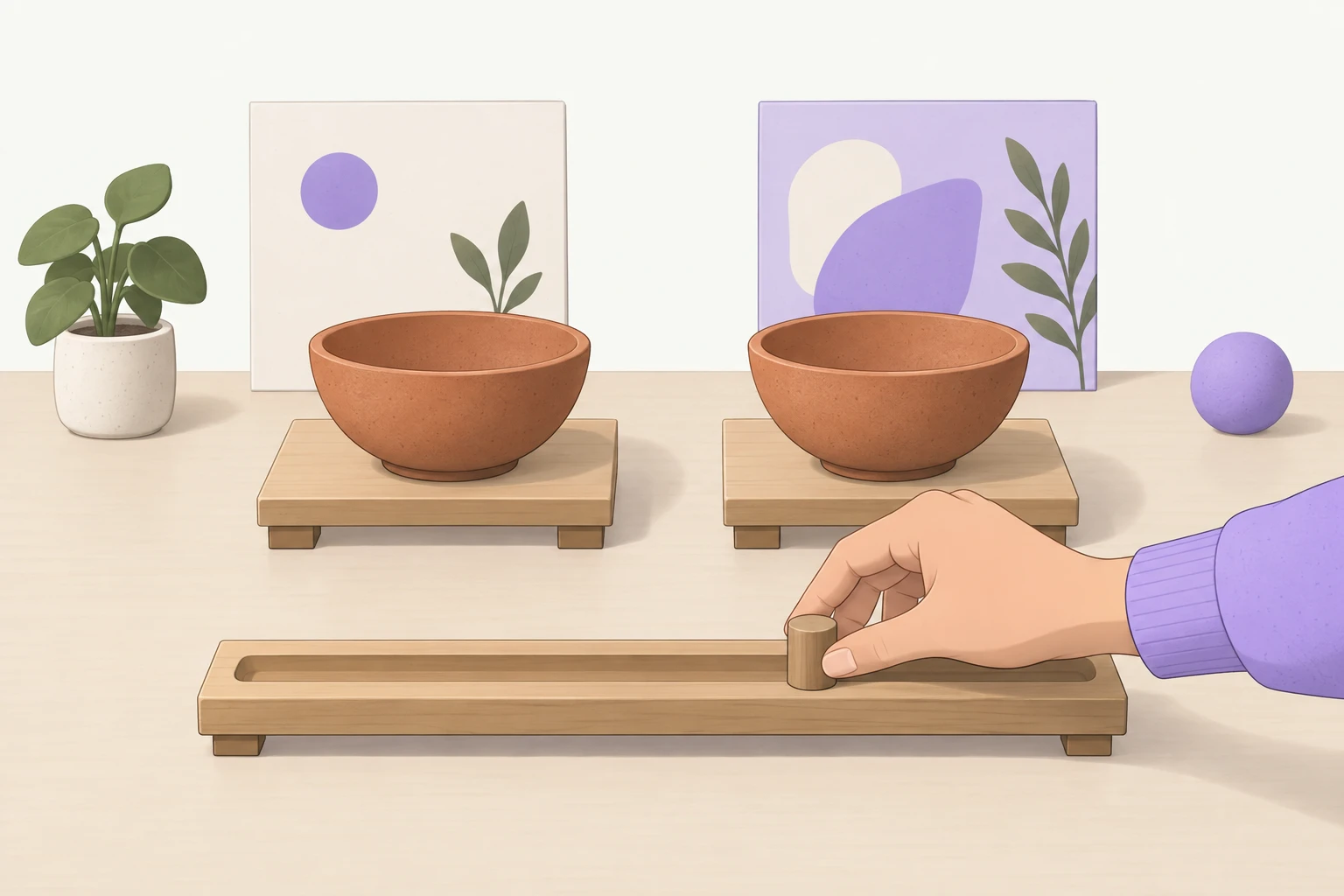
You hold a tested settings line, a must-have review sheet and a reference kit that keeps your subject and your look.
Module 03
You hold a fix log, an edited image in two formats and the rules that keep a three-image set in one look.
Module 04
You hold a checked full-size file, a release check and a finished launch set with a note of every setting.
Us vs. them
The docs tell you what each setting does. Video courses show you someone else’s build. This course takes you from a vague request to a set you would send to a client.
| Feature | Osum course | Official docs | YouTube walkthroughs | Video course |
|---|---|---|---|---|
| Step-by-step path, first brief to finished set | ✓ | Partly | ✕ | Partly |
| Hands-on exercise after every lesson | ✓ | ✕ | ✕ | Follow-along projects |
| Judging an image against a client brief | ✓ | ✕ | Partly | ✕ |
| Fixing details in the Editor instead of rerolling | ✓ | ✓ | Partly | Partly |
| Practice on sample briefs before client work | ✓ | ✕ | ✕ | ✕ |
| Certificate you can add to LinkedIn | ✓ | ✕ | ✕ | Completion certificate |
| Grok Bot, Claude Code, ElevenLabs and more included | ✓ | ✕ | ✕ | ✕ |
| Official, always-current settings | Links to them | ✓ | Partly | Partly |
| Cost | Membership | Free | Free | Paid course |
One membership
The same membership covers ElevenLabs for voiceovers you’d publish, Claude Cowork for finished reports and Grok Bot for weekly research briefs. Each course has its own certificate.
Certificate
Pass the final check, one question from every lesson, and earn an Osum certificate with its own public page. Share it, or add it straight to your LinkedIn profile.
Questions
One Osum membership covers the Midjourney course, its certificate and every other Osum course. It is a subscription. You see the price after your 2-minute plan, before you pay anything.
You can start Osum’s Midjourney course right away, and the hands-on exercises need your own Midjourney plan. Basic is $10 a month with 3.3 hours of Fast GPU time, and Standard is $30 with unlimited Relax image generations (checked 28 September 2026). Everything runs on midjourney.com, so Discord is optional.
Osum’s Midjourney course takes about 4 hours: 12 lessons, starting with a 14-minute brief that ends with a kept image you can use the same day.
Yes. If you can describe a photo and save a file, you can do every Midjourney exercise. The course teaches the part designers do by instinct: judging an image against a brief, at full size.
A prompt list gives you words, and Midjourney still fills every gap you leave with its own taste. Osum’s Midjourney course gives you the check the lists leave out: three lines that decide which image to keep, one dial changed at a time, and a fix instead of a reroll. You finish with a three-image launch set and a note of every setting.
No course can make Midjourney follow every detail: it is tuned for a look, and text, hands and crowded scenes still drift. You learn to spot a miss at once, steer it closer with the right settings, and fix the rest in the Editor or your layout tool instead of rerolling.
No. Osum is independent and not affiliated with Midjourney, and the certificate is an Osum certificate.
The Checked Brief puts the brief, the settings and the fixes on your side: a checked image kept in lesson 1, a three-image launch set delivered by lesson 12, a certificate and every other Osum course. A few quick questions, then your plan.
Keep exploring